

Once a review is underway, communicating what was done and what was found is often as time-consuming as the review itself. Smart Abstract generates a structured abstract of your nest — Methods, Results, and Discussion — drawn entirely from the data in your review. It is designed to give you a defensible, up-to-date summary of your evidence at any stage, whether you are drafting a deliverable, reporting interim progress, or quickly assessing how far your nest goes toward answering your Research Question.
Smart Abstract works best in combination with Smart Insights: when Insights have been generated, the abstract highlights the insights and claims that most directly address and contextualize your Research Question. Together, the two features offer a fast way to fully or partially answer a research question directly from your nest.
Smart Abstract is available to all Enterprise and Academic+ subscribers.
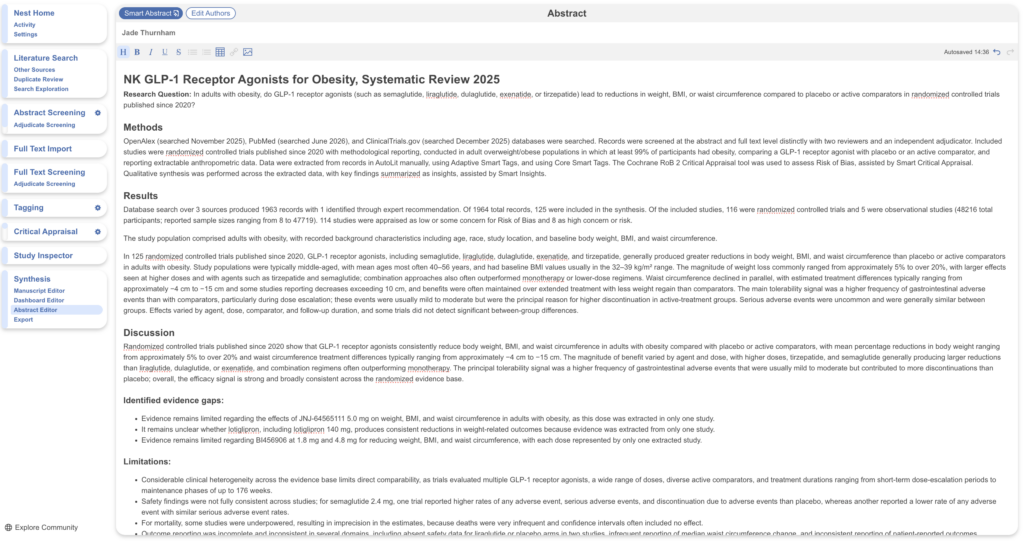
What Smart Abstract Produces #
Smart Abstract writes a three-part structured abstract:
- Methods: How the review was conducted. This section is templated rather than AI-generated, so key methodological details are guaranteed to be reported every time you generate an abstract. It reflects your workflow configuration, searches, screening and tagging configuration, and any Smart features used in the nest — every AI tool used in the review is explicitly specified.
- Results: What the review found, drawing on your searches, screening results, critical appraisal, and Insights. If Insights or Smart Insights have not been generated, this section reports search and screening outcomes alongside a short summary of extracted data.
- Discussion: Interpretation of the findings, including evidence gaps and limitations, informed by critical appraisal and Insights.
Smart Abstract is grounded exclusively in the data from your review — it does not draw on outside sources. To keep the output focused and faithful to your nest, Smart Abstract relies heavily on templating and deliberately avoids editorializing or padding (there is no generated introduction section, for example).
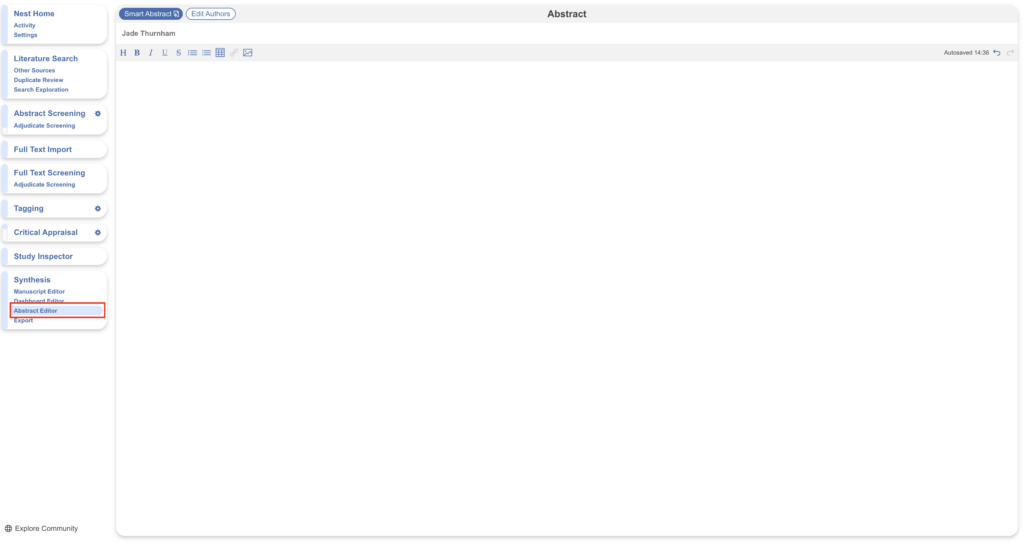
1. Open the Abstract Editor #
Navigate to the Abstract Editor, found under Synthesis. Any existing manually written abstract is displayed here.
2. Generate your Smart Abstract #
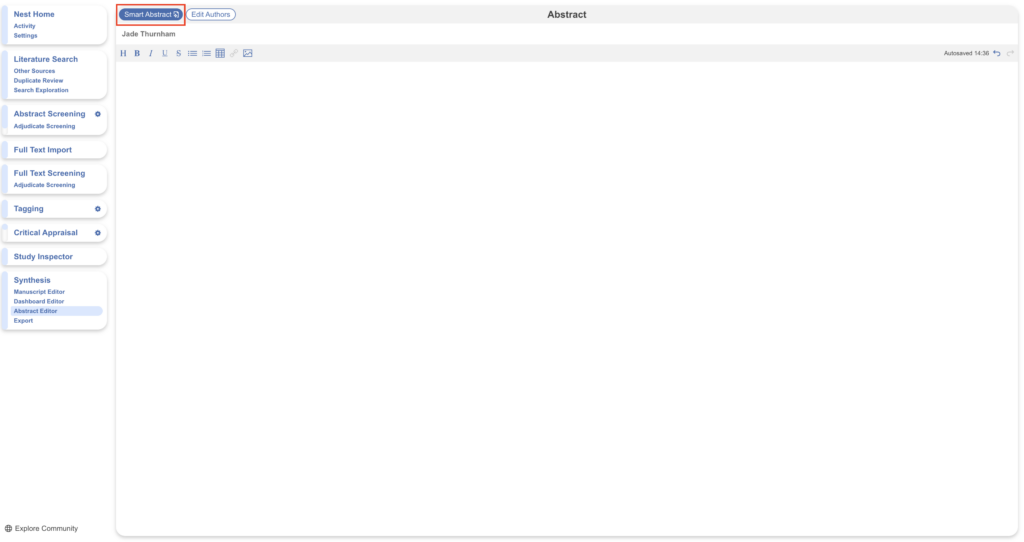
Select the Smart Abstract button in the top left. If you have previously entered a Research Question for the nest, it is pre-filled; otherwise, enter it before generating.
Note that generating a Smart Abstract overwrites any existing abstract on the page, so copy out any manually written content you want to keep before proceeding.
3. Review the output #
Once generated, the abstract is displayed in the Abstract Editor, where you can read, edit, and refine it as you would any manually written abstract.
Because the abstract reflects the state of the nest at the time of generation, review it against your current data — and regenerate whenever the nest has moved on (see below).
Prerequisites #
Smart Abstract requires that the nest has progressed through a few essential steps. For example, it will not run on a nest with no records or no included studies. If prerequisites are missing, Smart Abstract displays a message identifying what is needed before an abstract can be generated.
Regenerating your Smart Abstract #
Smart Abstract can be rerun at any point, and regenerating often is encouraged: the abstract uses your nest’s information at the time of generation, so as you screen more records, complete appraisal, or generate new Insights, regenerate to keep the abstract current. If your configuration has changed since the last generation — for example, an updated tagging hierarchy — the new abstract reflects the current state of the nest.
Regeneration overwrites the existing abstract; you will be warned before this happens.
Tips for Best Results #
Smart Abstract is most useful when Insights or Smart Insights have been generated for the nest, as these allow the abstract to directly address your Research Question rather than only reporting search, screening, and extraction outcomes. If your abstract feels thin on findings, generate Smart Insights first and then regenerate.