

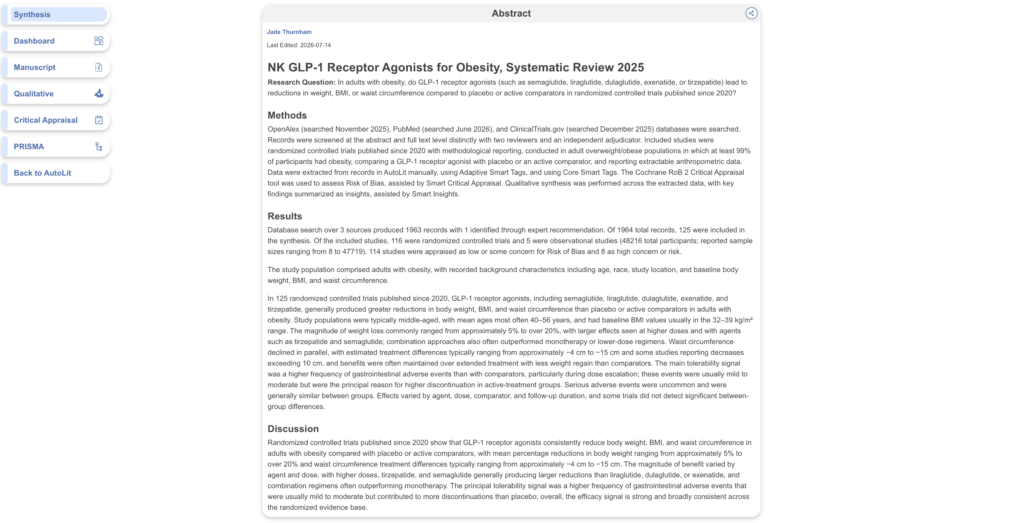
Synthesis is designed to be shared with end-users — colleagues, clients, and stakeholders who want the conclusions of your review without navigating the underlying data. An abstract on the Synthesis landing page gives those readers immediate context: what the review asked, how it was conducted, and what it found, before they explore your Qualitative and Quantitative Synthesis in detail.
The Abstract Editor is where reviewers write and maintain that abstract. The Synthesis landing page is where end-users view it. It is blank by default.
1. Open the Abstract Editor #
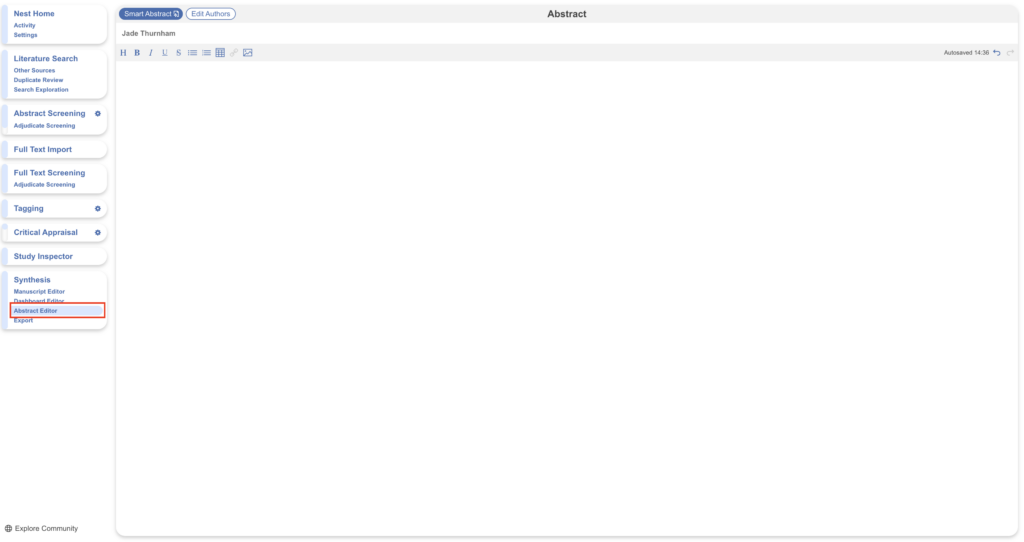
In AutoLit, navigate to Abstract Editor under Synthesis. Any existing abstract content is shown here and can be edited at any time.
2. Write your abstract #
The Abstract Editor works as a standard text editor: type or paste your desired content, including tables, links, and images. Formatting options are available in the editor toolbar.
The Abstract Editor shares many capabilities with the Manuscript Editor but is intentionally more limited — it does not support updateable tables, insertion of the PRISMA diagram, or citations. If you are drafting a full write-up of your review rather than a summary, use the Manuscript Editor instead.
Generate an abstract with Smart Abstract #
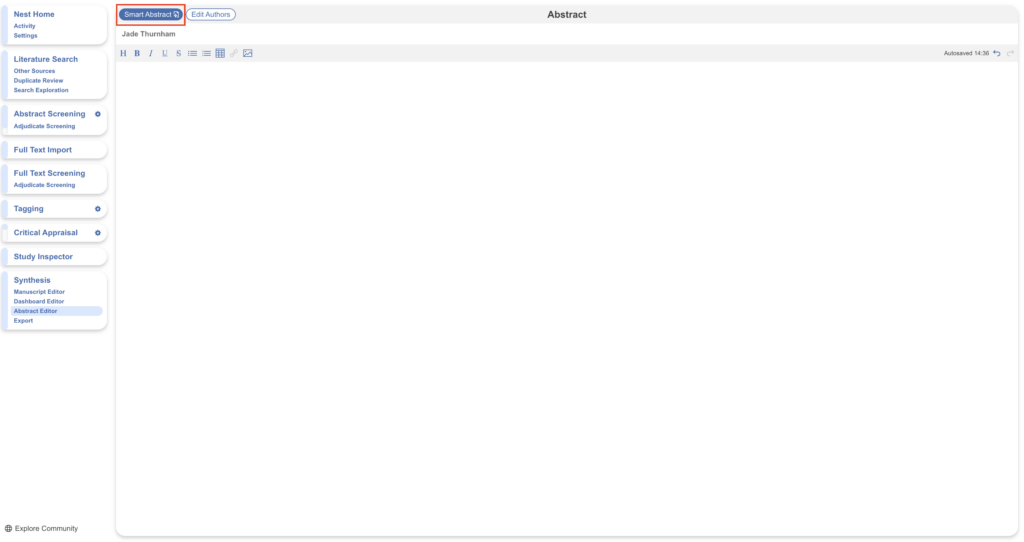
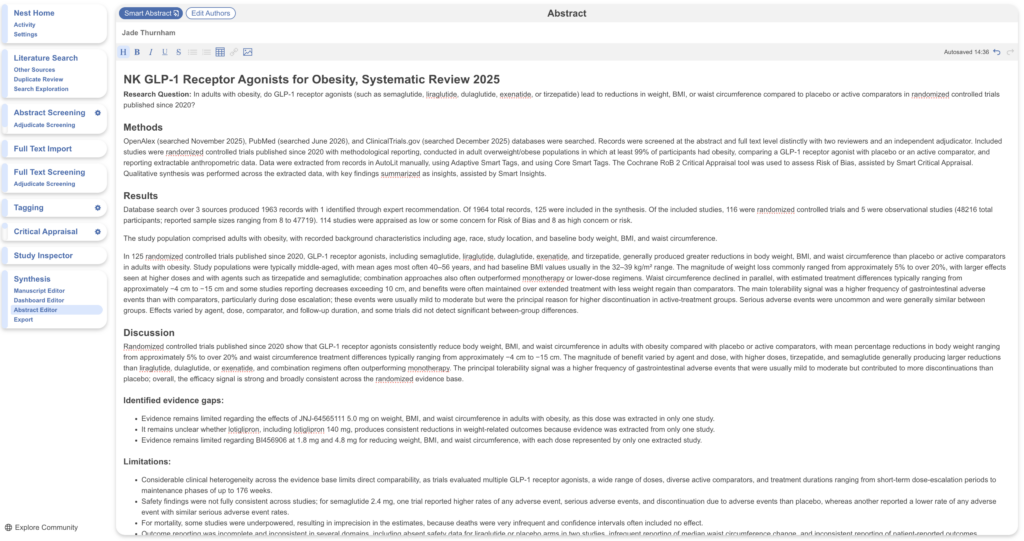
Rather than writing from scratch, Enterprise and Academic+ users can generate a structured Methods, Results, and Discussion abstract directly from the data in the nest using Smart Abstract. Select the Smart Abstract button in the top left of the Abstract Editor; note that generating overwrites any existing abstract content on the page.
Once generated, the Smart Abstract is displayed in the editor and can be reviewed and refined like any manually written abstract.
Beyond the abstract #
An abstract summarizes your review, but it is rarely the only output your audience needs. Nested Knowledge offers further tools for turning your nest into shareable deliverables:
The Manuscript Editor is the place to draft a full write-up of your review. It supports everything the Abstract Editor does, plus updateable tables that stay in sync with your nest, insertion of the PRISMA diagram, and citations — making it the natural next step when your summary needs to grow into a publication- or report-ready document.
The Dashboard Editor lets you build a visual, interactive summary of your review from configurable modules, ideal for audiences who want to explore your evidence base at a glance rather than read it in prose.