
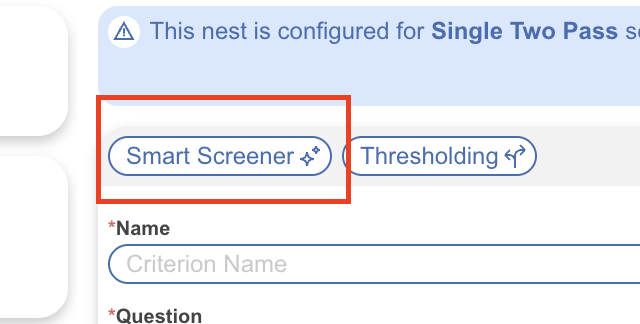
Smart Screener is an AI feature available to users when screening using Criteria Based Screening. Toggle screening settings

After you have set up your questions, you are able to run Smart Screener.
Smart Screener can run on abstract or full text questions. You can also choose to refresh it, run it on only unscreened records as your screening criteria evolves. Each Nest comes with 5,000 abstract screening decisions and 1,000 full text decisions.
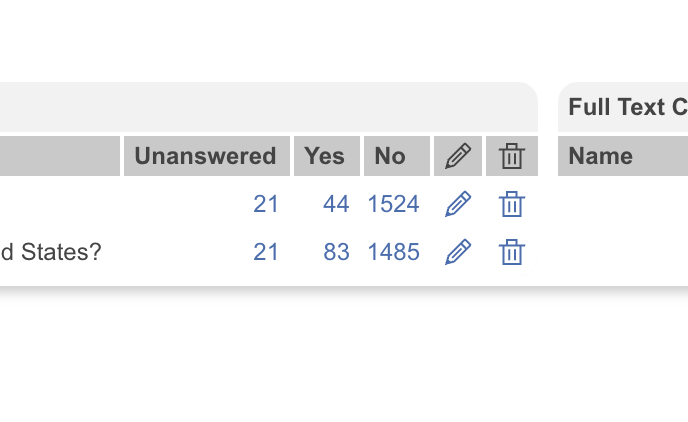
You can then see the results of your Smart Screener in the questions box where the records will be separated into three columns: Unanswered, yes, or no.
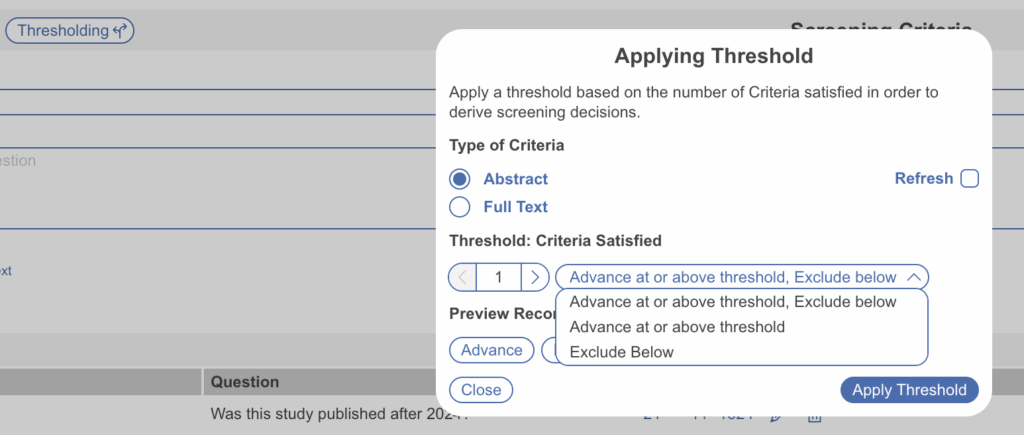
From there, you can use the Thresholding tool to include above or below a certain satisfied number of criteria. You are able to run that on abstract and full text as well. The otpions you have in Thresholding are: Advance at or above threshold, Exclude below or Advance at or above threshold, or Exclude Below.